
Issue #7 – 12th June 2026
12th June 2026
Hello Everyone! Here’s your weekly 5 minutes on Friday digest of tech updates, designed to keep you up to speed on the latest in the world of technology, education, and innovation.
We’ve gathered news on everything from curriculum ideas to major tech developments and emerging trends. Enjoy!
💡 Item 1: The 60-Second Tech Tip
You’re presenting a slide deck and want to draw your students’ attention to a specific point, but the bright screen is distracting. Or perhaps you want them to look directly at you, not the board.
Next time you are in Present mode in Google Slides, try these two clever keyboard shortcuts:
- Press B: The screen instantly turns completely Black.
- Press W: The screen instantly turns completely White.
Why use it? It acts as an immediate visual “pause button” for your class. Press any key to bring your presentation right back. It’s a fantastic, low-tech feeling trick built right into your high-tech presentation tool.
🛠️ Item 2: Tool of the Week — Interactive PDF Annotation with Kami
If you are looking for a practical way to breathe new life into your digital worksheets and simultaneously save your school’s printing budget, take a look at Kami.
- For Students: It provides a highly vibrant, user-friendly interface where they can draw, type, and add voice annotations directly onto digital documents and PDFs.
- For Teachers: It integrates seamlessly with cloud platforms like Google Classroom, allowing you to deliver real-time feedback and streamline your daily marking workflow in line with DfE workload reduction guidelines.
📢 Item 3: Online Safety Hub Weekly Highlight
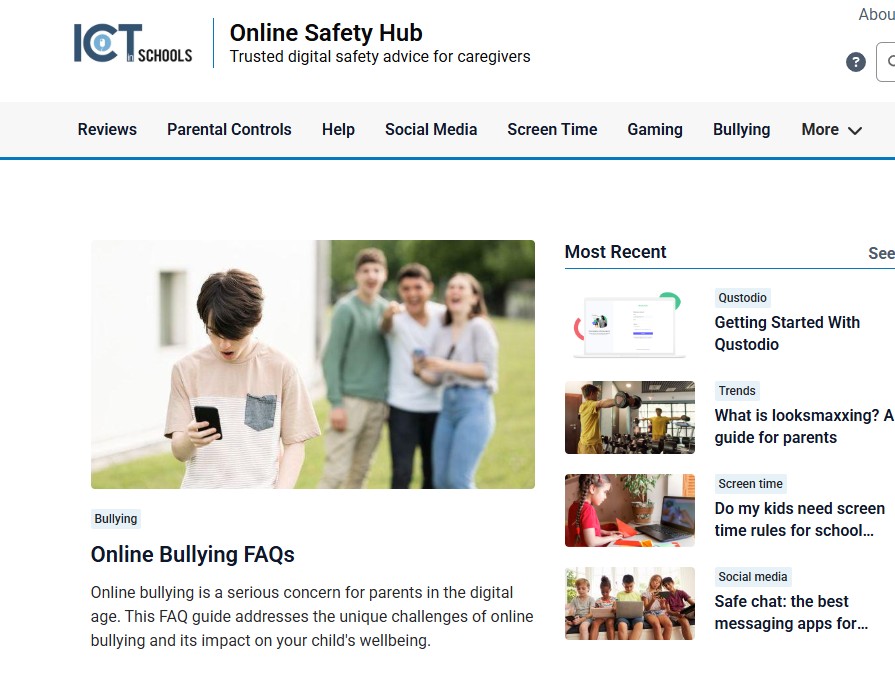
What is “looksmaxxing”? A guide for parents.
This trend is regularly breaking into youth subcultures, and it is vital that pastoral teams and leadership are aware of its implications for school safeguarding:
- Looksmaxxing started as an online subculture but has gone mainstream among young boys. While much of it presents as memes and jokes, the line between harmless and harmful can blur incredibly fast.
- The darker side of this trend is tied to toxic online communities and can rapidly push teens toward body image issues, dangerous physical practices, and extremist rabbit holes.
- Knowing the warning signs and facilitating open, non-judgmental conversations are the most effective safeguarding ways to keep this trend from becoming a real-world problem.
🔗 Explore full resources on the South Tyneside Online Safety Hub or read the primary reference article: What is looksmaxxing? A guide for parents.
🎓 Upcoming CPD Courses
Please note: CPD courses are FREE to all schools within our service agreement. Other schools are most welcome to join us for £40 + VAT per session.
| Course Name | Date & Time | Format |
| Termly E-safety Briefing: Smoothwall Monitor | Wednesday 17th June, 4:00 – 5:00 PM | Virtual |
| DUO Course Y5: Learn to teach Vector Graphics with Google Drawings | Thursday 25th June, 4:00 – 5:30 PM | Face to Face |
| DUO Course: Tinkercad Sandcastles | Wednesday 1st July, 4:00 – 5:30 PM | Face to Face |
👉 Book with Julia (mailto:[email protected])
☀️ School Activities & Events
🏆 Live Summer Quiz (via Google Meet)
We are hosting a live summer quiz via Google Meet! This year, we have decided to include Key Stage 1 for the first time. There will be 3 distinct time slots to choose from:
- Session 1: Exclusively for Key Stage 1 classrooms.
- Sessions 2 & 3: Two available time slots for Key Stage 2 (AM and PM options).
📅 Date: Tuesday 16th June 2026
📝 Note: A separate registration form must be filled out for each participating class.
👉 Click here to register your classroom
🦸 ClickView Celebration: Online Safety Super Hero Challenge
We’re excited to invite your school to take part in our upcoming FREE Online Safety Super Hero Challenge. This is a brilliant opportunity to combine digital creativity, team collaboration, and essential safeguarding education in a fun, memorable setting.
📅 Date: Tuesday 23rd June 2026
⏰ Time: 12:00 Noon – 2:00 PM
📍 Venue: The Word
👥 Schools are welcome to enter more than one team; simply indicate your requirements on the booking page.
👉 Click here to secure your team spaces
Thank you for reading this week’s edition! Stay tuned for more EdTech news, practical classroom strategies, and leadership tips in next week’s update.
Have an EdTech topic you would like us to cover? Feel free to reach out directly with suggestions or feedback.
Have a great weekend!
Phillippa Chippendale
ICT in Schools Team