We use some cookies to make this website work. With your permission we would also like to use cookies that help us understand how the website is used and measure our advertising. You can accept or reject these, or choose which ones to allow.
Welcome to this week’s Five Minutes on Friday digest! As we settle further into the autumn term, we have a packed edition featuring upcoming local EdTech events, powerful professional development opportunities, and essential online safety guidance for your school community. Grab a quick coffee and take five minutes to get up to speed with what you need to know for Friday, 18th September 2026.
🍏 1. Apple RTC Conference: AI & Accessibility in the Classroom
Transform your classroom this term with cutting-edge, inclusive technology strategies. The South Tyneside Apple Regional Training Centre, in partnership with Academia, invites you to our FREE Autumn Conference.
When: Thursday, 22nd October 2026
Where: The Word, South Shields
Details: Enjoy a full day of professional development, network over a complimentary lunch, and take home an exclusive goody bag packed with resources.
Places are limited so book early to avoid disappointment. 👉 RSVP: Please refer to your official event flyer to book your place.
Help your KS3 students think critically about what they see and do online with quick, interactive quizzes.
From spotting misinformation with Find the Fake, to tackling online hate and gender stereotypes with The Online Together Project (created in partnership with Samsung Electronics), these resources are designed to get students talking, thinking, and questioning what they encounter online, with minimal prep for teachers.
👉 Explore the quizzes and discover more free online safety resources for schools here: The Online Together Project
Thank you for reading this week’s edition of Five Minutes on Friday! Stay tuned for more EdTech updates, classroom ideas, and leadership tips in next week’s issue.
Hello Everyone! Here’s your weekly 5 minutes on Friday digest of tech updates, designed to keep you up to speed on the latest in the world of technology, education, and innovation.
We’ve gathered news on everything from curriculum ideas to major tech developments and emerging trends. Enjoy!
💡 Item 1: The 60-Second Tech Tip
You’re presenting a slide deck and want to draw your students’ attention to a specific point, but the bright screen is distracting. Or perhaps you want them to look directly at you, not the board.
Next time you are in Present mode in Google Slides, try these two clever keyboard shortcuts:
Press B: The screen instantly turns completely Black.
Press W: The screen instantly turns completely White.
Why use it? It acts as an immediate visual “pause button” for your class. Press any key to bring your presentation right back. It’s a fantastic, low-tech feeling trick built right into your high-tech presentation tool.
🛠️ Item 2: Tool of the Week — Interactive PDF Annotation with Kami
If you are looking for a practical way to breathe new life into your digital worksheets and simultaneously save your school’s printing budget, take a look at Kami.
For Students: It provides a highly vibrant, user-friendly interface where they can draw, type, and add voice annotations directly onto digital documents and PDFs.
For Teachers: It integrates seamlessly with cloud platforms like Google Classroom, allowing you to deliver real-time feedback and streamline your daily marking workflow in line with DfE workload reduction guidelines.
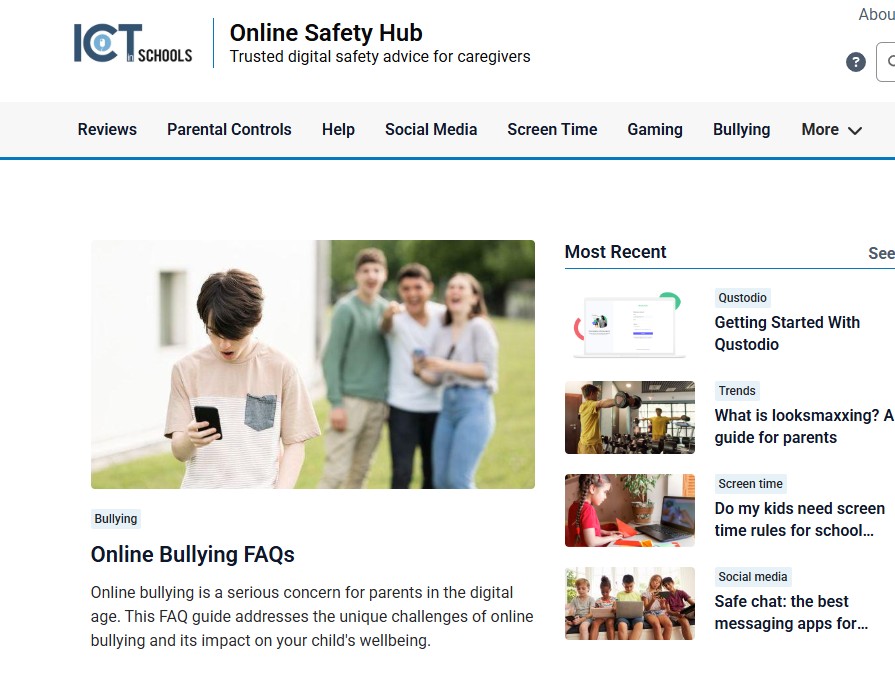
📢 Item 3: Online Safety Hub Weekly Highlight
What is “looksmaxxing”? A guide for parents.
This trend is regularly breaking into youth subcultures, and it is vital that pastoral teams and leadership are aware of its implications for school safeguarding:
Looksmaxxing started as an online subculture but has gone mainstream among young boys. While much of it presents as memes and jokes, the line between harmless and harmful can blur incredibly fast.
The darker side of this trend is tied to toxic online communities and can rapidly push teens toward body image issues, dangerous physical practices, and extremist rabbit holes.
Knowing the warning signs and facilitating open, non-judgmental conversations are the most effective safeguarding ways to keep this trend from becoming a real-world problem.
We are hosting a live summer quiz via Google Meet! This year, we have decided to include Key Stage 1 for the first time. There will be 3 distinct time slots to choose from:
Session 1: Exclusively for Key Stage 1 classrooms.
Sessions 2 & 3: Two available time slots for Key Stage 2 (AM and PM options).
📅 Date: Tuesday 16th June 2026
📝 Note: A separate registration form must be filled out for each participating class.
🦸 ClickView Celebration: Online Safety Super Hero Challenge
We’re excited to invite your school to take part in our upcoming FREE Online Safety Super Hero Challenge. This is a brilliant opportunity to combine digital creativity, team collaboration, and essential safeguarding education in a fun, memorable setting.
📅 Date: Tuesday 23rd June 2026
⏰ Time: 12:00 Noon – 2:00 PM
📍 Venue: The Word
👥 Schools are welcome to enter more than one team; simply indicate your requirements on the booking page.